Managed OpenClaw hosting — free to start, no API key
OpenClaw is the open-source agent runtime: an assistant that lives on a server, talks to you in Telegram or a browser, runs tools and remembers. The usual way to get one is to rent a VPS — or keep a Mac mini on — install it, edit the config, add an API key and pair your devices. Aplite is the other way: a managed OpenClaw instance of your own, set up from the browser in about a minute.
Aplite is an independent service built on the open-source runtime. It is not made by or affiliated with the OpenClaw project.
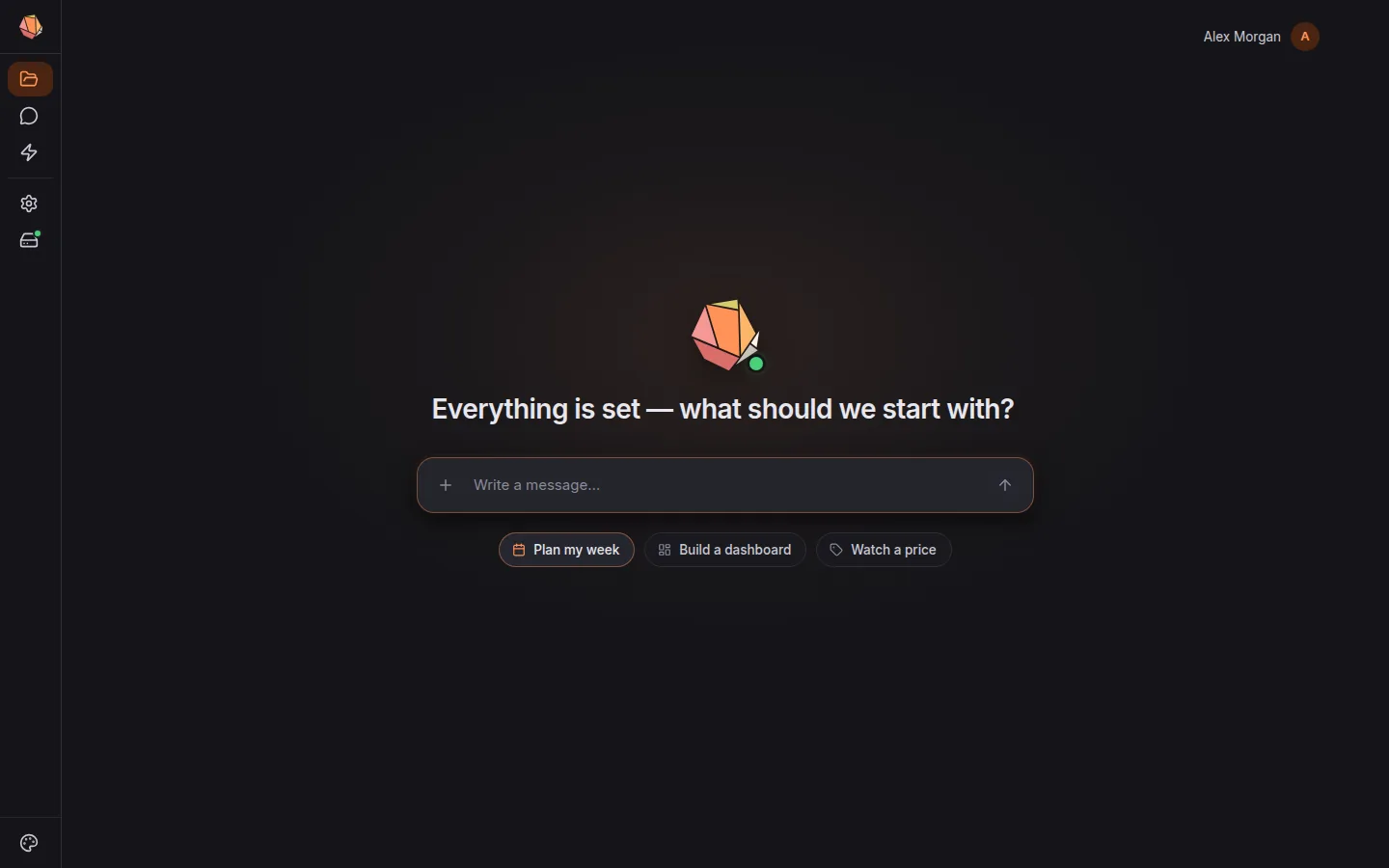
What you get
- Your own instance. Every workspace runs a standard OpenClaw runtime in its own container, with its own storage and network — not a shared bot answering many users. What the OpenClaw docs say about agents, sessions and tools applies.
- No setup. The server, the config, device pairing and the upgrades are ours to run. We move workspaces to new OpenClaw releases after testing them.
- No API key. Models come through one metered account across the major providers — pick from the model catalog, pay in credits, see what each answer cost. Bringing your own key is not needed, and not supported.
- Free to start. The Free plan is the full workspace with one agent and 300 welcome credits — no card. Pro and Power add more agents, always-on workspaces and automations.
- Telegram in two minutes. Paste a bot token from @BotFather and approve your chat — see an AI assistant in Telegram.
What sits on top
Self-hosted OpenClaw is a runtime you talk to. Aplite adds the workspace around it:
- a markdown workspace the agents read and write — your notes, their instructions, their memory, all as files (an AI second brain);
- approvals — every change to your files and anything leaving the workspace is a proposal you accept or reject;
- tasks, schedules and triggers set up from one sentence, with results delivered to Telegram, email or a note (an AI agent for daily tasks);
- pages the agent builds and keeps current, published at a link (an AI dashboard generator);
- skills and connections — a curated catalog, switched on in the browser.
What is different from self-hosting
A managed instance trades some control for not running it. Be clear on the trade before you choose:
- No shell and no raw config. You configure agents, skills and models in the
browser, not by editing
openclaw.jsonor running commands on the box. - Models through our catalog only. No local models and no direct provider keys.
- Our release schedule. You get new OpenClaw versions when we have tested them, not the day they ship.
- A curated skill set. Skills come from our catalog, and agents can write their own — but you do not install arbitrary packages on the server.
- Your files stay plain markdown. Notes and agent files are ordinary
.md, and any note downloads as a file — nothing is locked in an app-only format.
If you want root on the machine, a local model or the newest release on day one, self-hosting is the better fit — the OpenClaw docs cover it. If you want the assistant working tonight without touching a server, start here.
Try it in your workspace
Get started